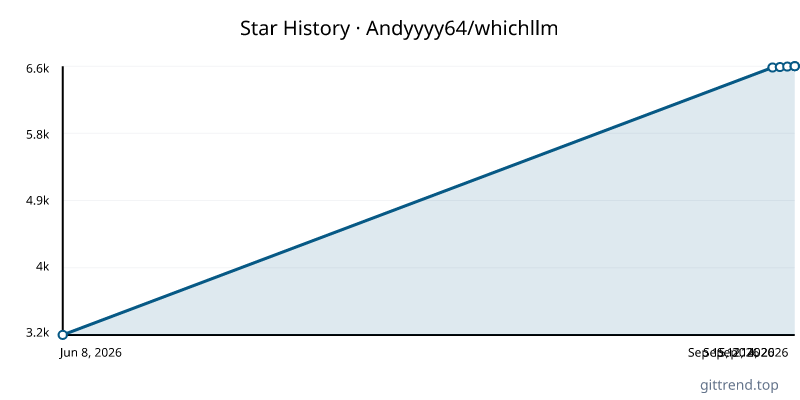
Overview
whichllm is an indispensable command-line tool designed to help you discover the best Large Language Model (LLM) that actually runs and performs optimally on your specific hardware. Moving beyond simple parameter counts, whichllm leverages real, recency-aware benchmarks and detailed hardware analysis to provide accurate, actionable recommendations. With a single command, you can instantly find, test, and even run the ideal LLM for your machine.
Key Features
- Hardware-Aware Performance Ranking: Automatically detects your GPU (NVIDIA, AMD, Apple Silicon), CPU, and RAM to rank LLMs by actual performance, not just size.
- Evidence-Based Benchmarking: Ranks models using a sophisticated scoring system that merges live benchmark data (LiveBench, Artificial Analysis, Aider, Chatbot Arena ELO, etc.) and discounts stale or unreliable results.
- Recency-Aware: Prioritizes newer model generations and benchmark data, ensuring you get recommendations based on the latest advancements.
- Deep Model Analysis: Considers VRAM estimation (weights, KV cache, activations, overhead), speed (bandwidth, quantization, backend), and model quality with evidence confidence.
- One-Command Simplicity: Install and run LLMs with a single command, including instant chat sessions and ready-to-run Python snippets.
- GPU Simulation: Test potential LLM performance on different GPUs before you buy, using the
--gpuflag. - Hardware Planning: Determine the ideal hardware requirements for any specific LLM using the
plancommand. - Live HuggingFace Data: Fetches model information directly from HuggingFace, with curated fallbacks for offline use.
Typical Use Cases
Find the Best Local LLM:
whichllm(Automatically detects your hardware and shows the top-performing models.)
Test LLMs on Future Hardware:
whichllm --gpu "RTX 4090"(See which models would perform best on an RTX 4090, even if you don't own one.)
Instantly Run a Chat Model:
whichllm run "qwen 2.5 1.5b gguf"(Downloads and starts an interactive chat session with a specified model.)
Generate Code Snippets:
whichllm snippet "qwen 7b"(Get copy-pasteable Python code to load and use a model.)
Plan Hardware Upgrades:
whichllm upgrade "RTX 4090" "RTX 5090" "H100"(Compare your current hardware's potential performance against proposed upgrades.)
Determine GPU Requirements for a Specific Model:
whichllm plan "llama 3 70b"(Find out what hardware is needed to run a large model like Llama 3 70B.)